Statistics and license UI
Floocus is offering an authenticated website, the Floocus Portal, for its customers to access their organisation, licenses, usage statistics, estimated billing and invoices.
To get an account, register directly from the Portal, or ask a colleague that has one, your Floocus sales representative, or Floocus support to invite you.
Website access
- Click on the login link in floocus.com, or go directly to app.floocus.com
- Sign in with email/password, or with your Google, GitHub or GitLab account
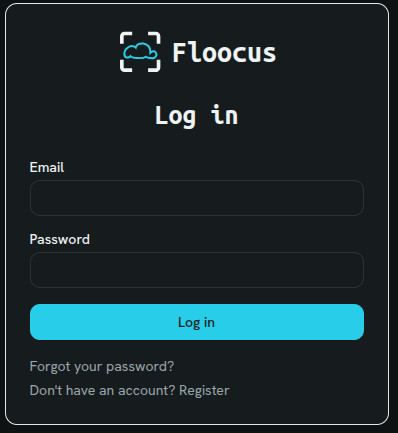
- New here? Use the register link to create your own account, then create or join an organisation
Organisation management
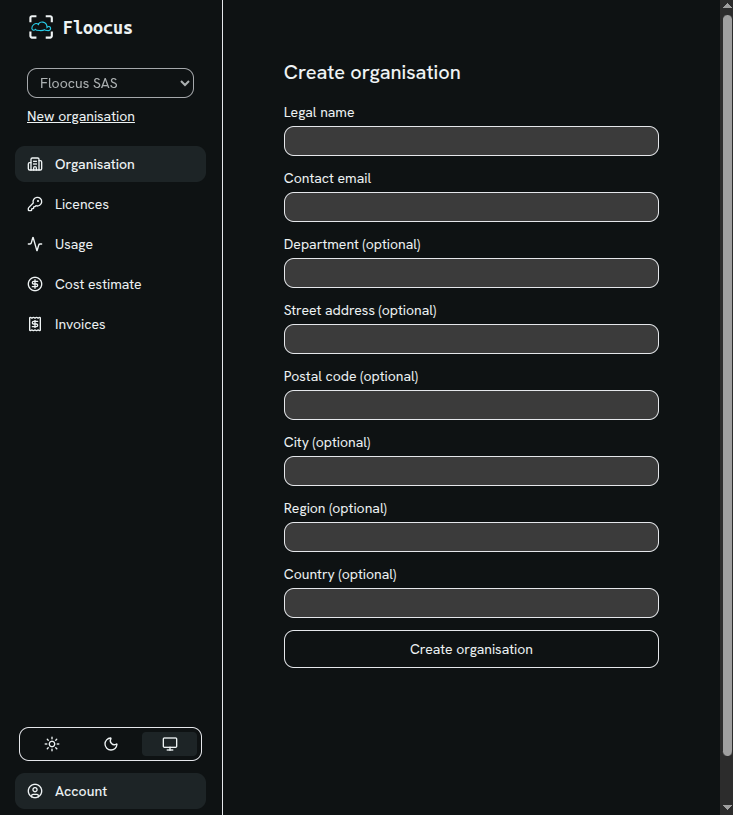
Any user can create a new organisation, and associate it to their account. An organisation carries its legal name, contact email, department and address, and is the resource licenses, billing and invoices are attached to.
Access rights
The solution includes access rights management, and email notifications.
An organisation member may invite another user to access the organisation data.
- If the invited user does not exist in the system yet, they receive an email with an invitation link that allows them to create an account and be associated to the organisation.
- If the user already exists, they join the organisation's members directly.
The solution also manages Floocus staff (sales, support) access across organisations.

Terms approval
Users are asked to validate terms and conditions at first connection.
Any change in terms will require another approval.
Users profile
Users are allowed to change their profile, email and password, with a secure email-token process - the same principle as in Spider.
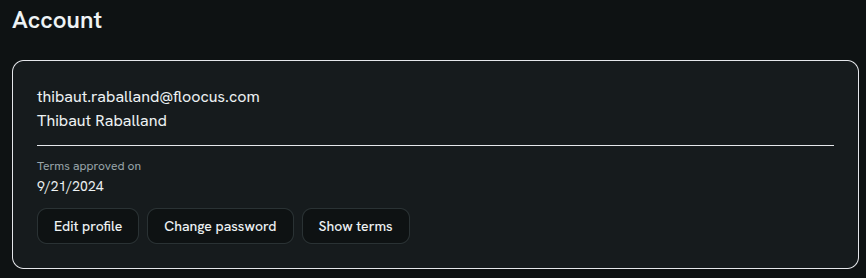
A 'forgot password' feature is also available.
License management
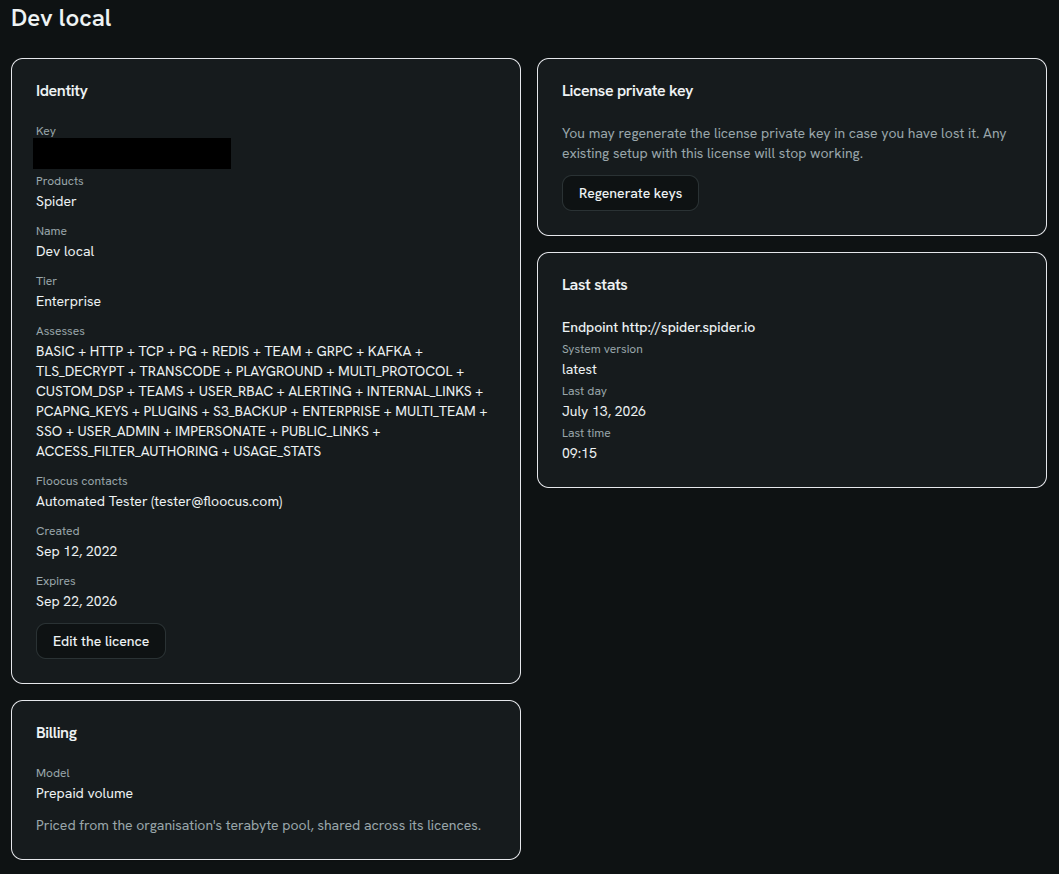
A license belongs to an organisation, carries a name, an expiry date, and its billing model.
New licenses are billed on data volume (see Billing principle); the prepaid terabyte pool and its €/TB rates are set at the organisation level, shared across all the organisation's licenses.
The license keys may be regenerated in case of loss or theft.
License Usage
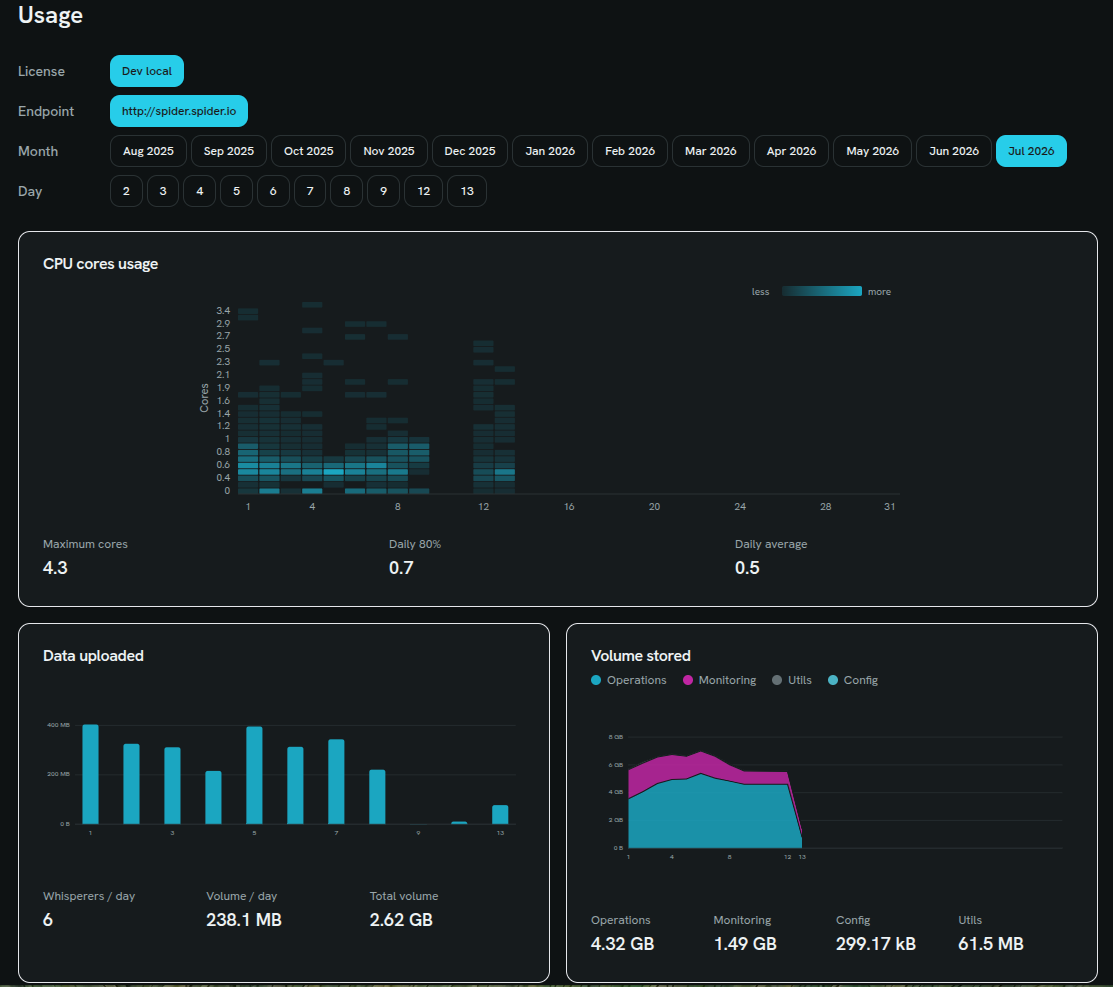
All metrics collected by Spider and sent to Floocus are available per license and per month, with graphics - including the volume of data captured, and (for pre-existing CPU-billed licenses) CPU core usage.
Cost estimate
To help customers anticipate and understand their invoice, a page is dedicated to cost estimation, per license and per month.
For volume-billed licenses, cost is based on the organisation's prepaid terabyte pool and any overage above it - see the Floocus pricing page for current public rates and an interactive pool-sizing estimator.
For pre-existing CPU-billed licenses, cost is still based on:
- a prepaid number of cores
- extra cores used, priced at a higher, super-linear cost
Ex:
- If you prepay a 5 cores license,
- And you're using 7 cores for 2h in the day, then 2 extra cores will be invoiced on top of the prepaid ones.
Use case: One volume pool for several Spider setups
Since the prepaid terabyte pool lives on the organisation, not on a single license, you may freely spread several Spider setups across the same organisation's licenses: their captured volume is pooled together against the same prepaid terabytes before any overage is billed.
Invoice management
Finally, the user may access their invoices, and download them.