Provision your sandbox
- Sign in to the Portal and create your organisation if you have none.
- Open Sandbox in the left menu.
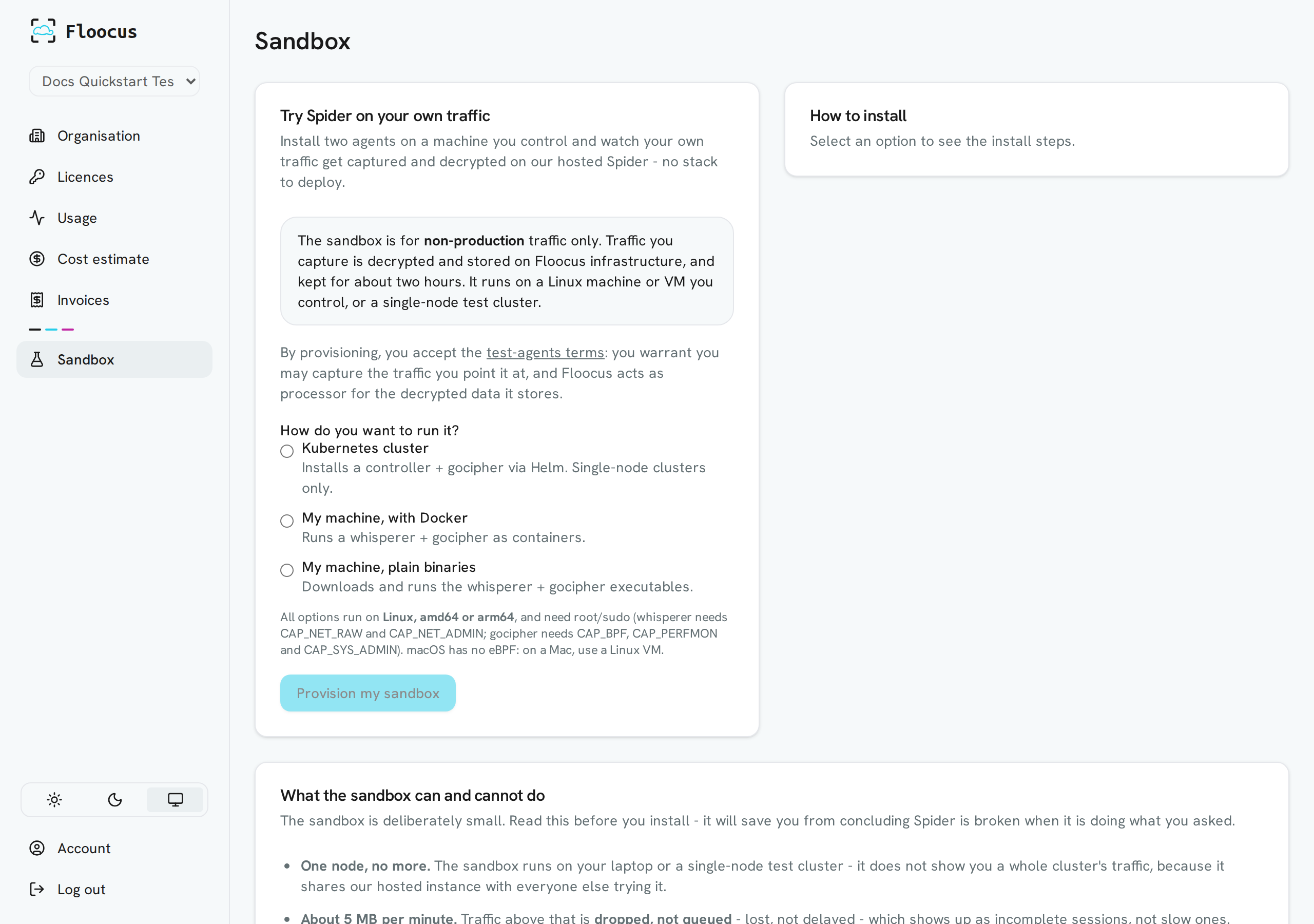
- Choose how you want to run it:
| Option | You install | Use it when |
|---|---|---|
| Kubernetes cluster | A Controller and a Gocipher, with one Helm script. The Controller injects the whisperers for you | You have a single-node test cluster |
| My machine, with Docker | A Whisperer and a Gocipher as two containers. No Controller | You have a Linux machine with Docker |
| My machine, plain binaries | The Whisperer and Gocipher executables. No Controller | You have a Linux machine and no Docker |
All options need root or sudo. The Whisperer needs CAP_NET_RAW and CAP_NET_ADMIN; Gocipher needs CAP_BPF, CAP_PERFMON and CAP_SYS_ADMIN.
- Click Provision my sandbox. Spider creates your hosted tenant and your install files download.
note
The downloaded files change with each release. Use the ones the Portal gives you, not a copy.
Next, install the agents.