Searching Service Accounts
When having the required rights, a user can list Service Accounts.
Service Accounts list
The service accounts are listed within the user list, accessible through the left menu.
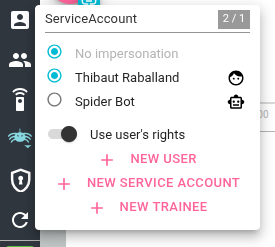
From here, it is possible, depending on your rights, to:
- Search for Service Accounts
- Impersonate Service Accounts
The list shows only the first 20 accounts.
Service Accounts are listed after users, with a specific Robot icon, when users have a human face icon.
To see more, you need to filter/search.
To see only Service Accounts when you also see users, you may search for ServiceAccount
Searching
The top most input allows searching for service accounts on many fields at once:
- name
- @id
- worksFor
You may use wildcards:
*for many characters?for one
You may also search on specific resource fields like:
name:botworksFor:FLoocus
Behind the scene, this search is using Elasticsearch querystring syntax and thus supports Lucene syntaw.
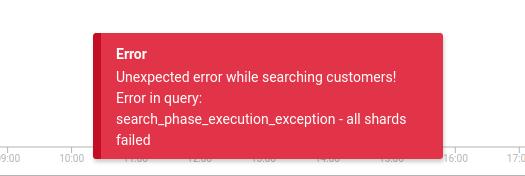
If the query is wrongly formed, an error toast will appear.