Data details
Concept
Captured data are the raw
Content of captured data are shown in the details panel.
This panel appears on the right of the screen.
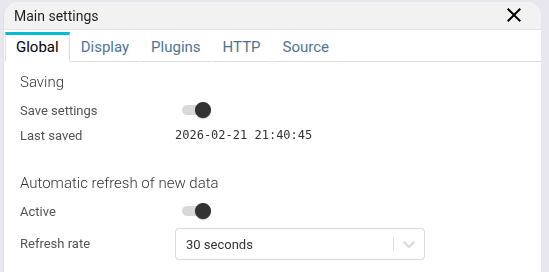
The details panel may be resized at will.
Breadcrumb
When navigating between resources, the breadcrumb opens.
- It lists either only the resource type or includes its name depending of the resources.
- It makes its possible to stick to one line and may aggregate several history steps in '...'
- It remembers the active tab of each history step

Content
This part documents the details panel of the captured data:
It also details some advanced features of HTTP data, worth a dedicated page!